

Business phones · Microsoft Teams
Microsoft Teams Phone System
Turn Microsoft Teams into your business phone system. Make and take calls from Teams on your PC, laptop or mobile, keep your existing numbers, and let our London team handle the set-up, connection and support.
From £5.50 per user/month
- ISO 27001-certified team (view certificate, opens in a new tab)
- Number porting handled for you
- Supporting UK businesses since 1999
Book a call
Tell us about your licences, numbers and users, and we’ll call you back with a clear quote. No obligation.
Prefer to talk now? Call 020 7471 3270
One app for calls, chat and meetings
-
Calls in Teams
Dial landlines and mobiles straight from Teams, with no separate phone system.
-
Keep your numbers
We port your existing numbers from your current provider.
-
Work from anywhere
PC, laptop, mobile or desk phone, with calls moving between devices.
-
Business features
Auto-attendant, call forwarding, hunt groups and voicemail.
-
Business continuity
If the office is closed, your team keeps taking calls wherever they have internet.
-
Easy to scale
Add or remove users as your team changes.
How we connect Teams to the phone network
Teams needs a connection to the phone network to make external calls. We set this up for you and recommend the right option for your business:
-
Operator Connect
A Microsoft-approved connection, managed from your Teams admin centre, with no extra hardware. The simplest option for most businesses.
-
Direct Routing
Connects your phone lines to Teams, for more complex setups or when you need more control over routing.
Not sure which you need? We’ll check your Microsoft 365 licences and recommend the best fit.
What you’ll need
-
Microsoft 365
A Microsoft 365 or Office 365 subscription.
-
Teams Phone licence
A Microsoft Teams Phone licence, which some Microsoft 365 plans include. We’ll check what you already have.
-
Calling
A calling connection from us (from £5.50 per user per month).
Need call queues, wallboards or AI? Add Knowall Voice
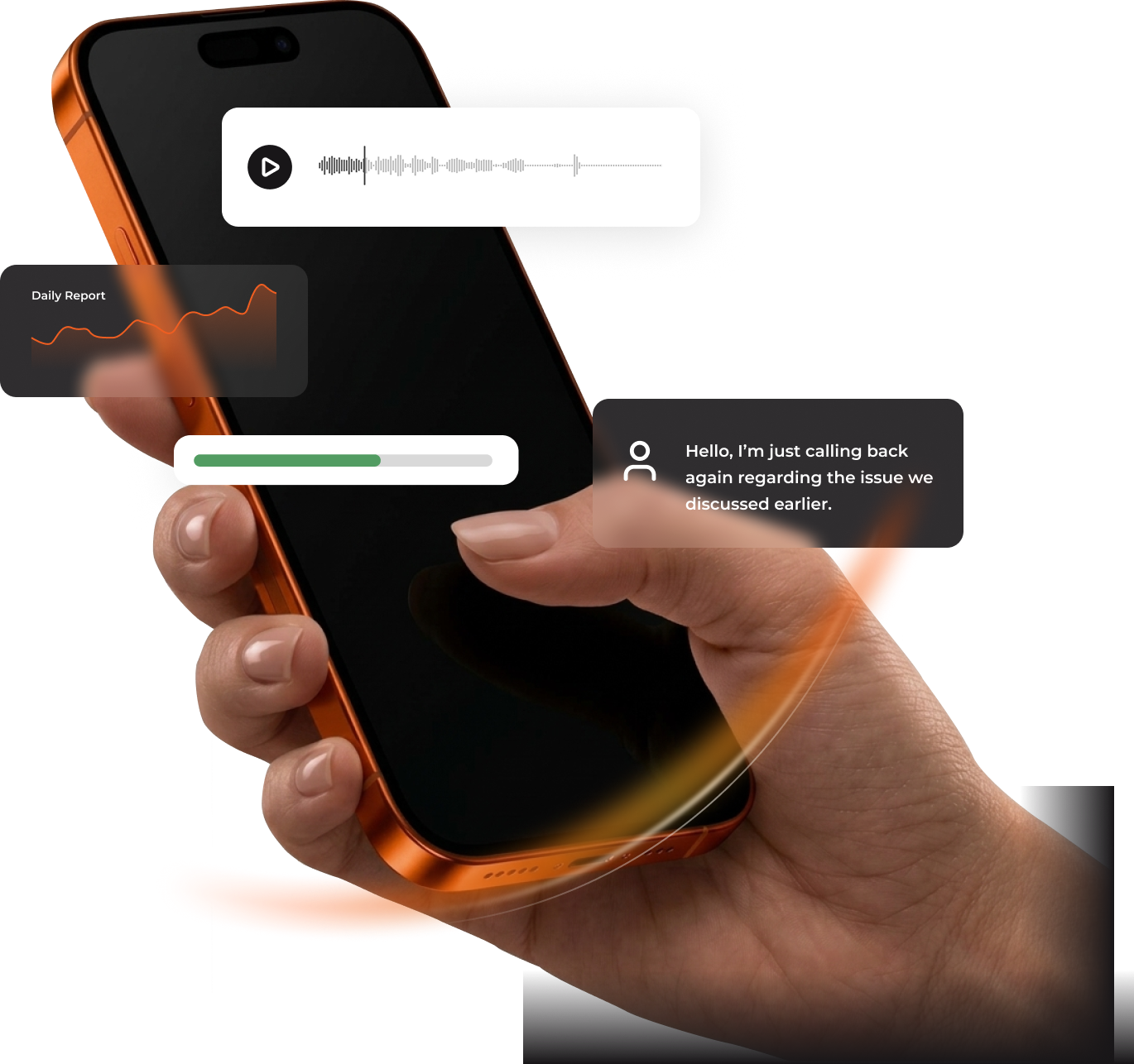
Teams is great for everyday calling. If your team handles high call volumes or you want to understand what happens on your calls, Knowall Voice works with Microsoft Teams on every plan.
- Voice Live: call queues, live wallboards, reporting and call recording.
- Voice Intelligence: AI call summaries, sentiment, alerts and CRM integration.
Set up and supported by one London team
We handle the whole move: licences, numbers, porting, configuration and training, then support it day to day. And because we also look after IT, security and Microsoft 365, there’s one team to call when anything goes wrong.
- Microsoft 365 support Licences, security and day-to-day support for Microsoft 365 and Azure. Explore Microsoft 365 support →
- Managed IT support Our London team as your IT department, with a 24/7 helpdesk. Explore managed IT →
- Knowall Voice Call queues, wallboards, recording and AI call intelligence, working with Teams. Discover Knowall Voice →

Move your phones into Teams
Book a short call and we’ll check your licences, numbers and set-up, and give you a clear quote.

Microsoft Teams Phone FAQs
-
Can we keep our existing phone numbers?
Yes. We port your numbers from your current provider and plan the switchover to keep disruption to a minimum.
-
Do we need a special Microsoft licence?
Yes, Teams needs a Teams Phone licence to make external calls, and some Microsoft 365 plans include it. We’ll check your current licences before you commit.
-
What’s the difference between Operator Connect and Direct Routing?
Both connect Teams to the phone network. Operator Connect is simpler and managed from Teams. Direct Routing suits more complex setups. We’ll recommend the right one.
-
Can we use desk phones with Teams?
Yes, with Teams-certified desk phones, alongside the Teams app on PCs and mobiles.
-
How much does it cost?
From £5.50 per user per month for calling, plus your Microsoft Teams Phone licence if you don’t already have one.
-
Should we choose Teams Phone or Knowall Voice?
Teams Phone suits everyday calling inside Teams. If you need call queues, wallboards, recording or AI call intelligence, Knowall Voice adds those, and it works with Teams too.